SOPASair
Compatible with:
LRS4000
multiScan100
multiScan200
picoScan100
SOPASair is the sensor's built-in web UI, served directly from the device at http://192.168.0.1/ with factory settings. There is nothing to install: point a browser at the sensor. Use it to:
- configure the settings available on the selected device,
- draw or teach in field-evaluation zones where the device supports those functions,
- update firmware through the web UI where supported, or use the documented REST sequence,
- create a diagnostic file if the device provides that option.
Screen-by-screen walkthroughs are available for the LRS4000, multiScan100, and picoScan100. Available menus and functions vary by product family, variant, and firmware. For standard IP address settings, see Getting Started.
For measurement recordings, see the SOPASair Data recorder if that function is available on your device.
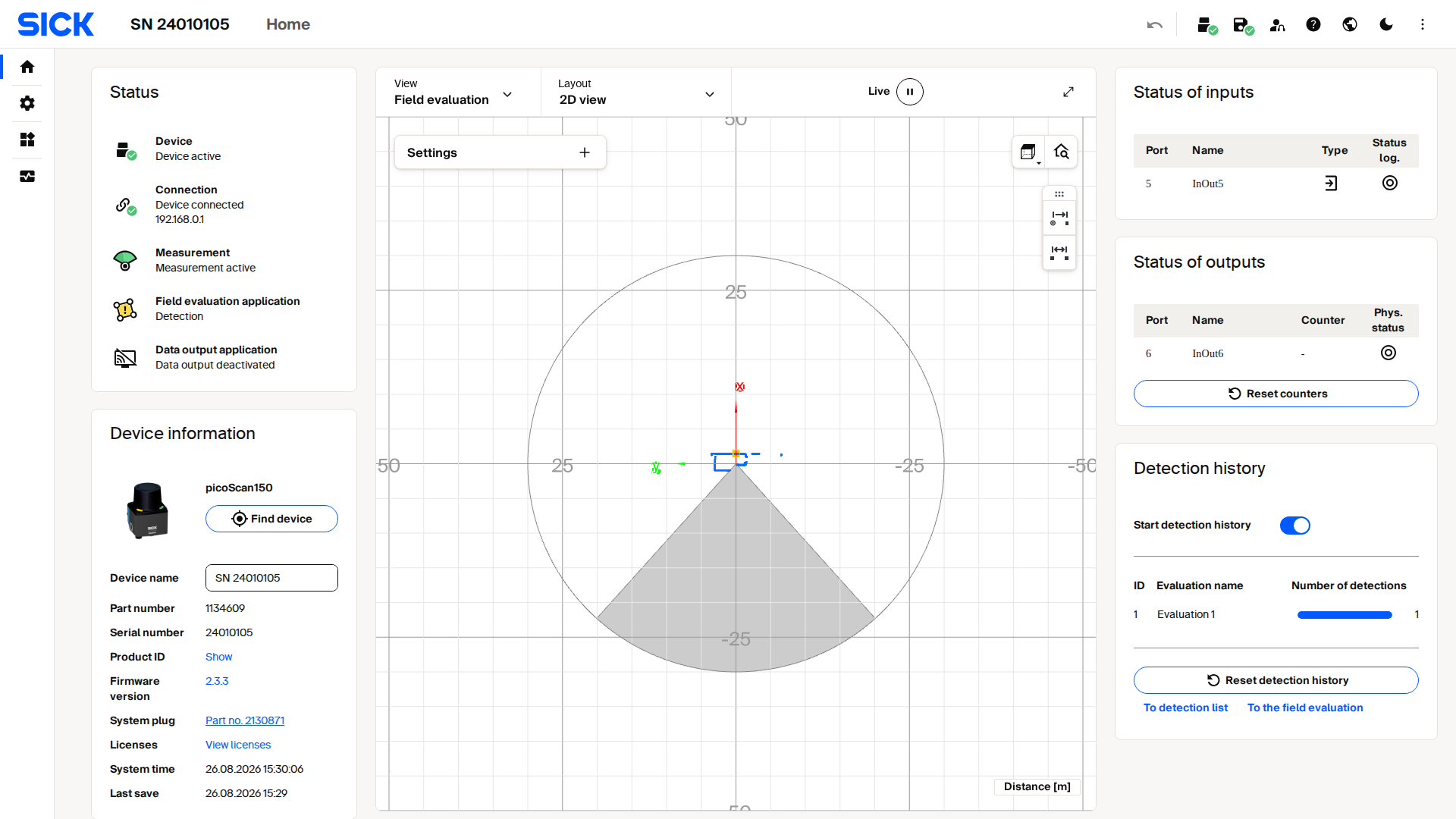
Live capture from a picoScan100's SOPASair web interface.