SOPASair
Compatible with:
picoScan100
SOPASair is the sensor's built-in web UI, served directly from the device at http://192.168.0.1/#/ if factory reset settings are used. There is nothing to install and no account is needed: point a browser at the sensor and it's there. You can teach in field evaluation zones interactively, instead of computing polygon coordinates by hand. You can browse and change settings across every configuration screen this guide covers. You can also run firmware updates from the browser, without scripting the REST sequence yourself. For standard IP address settings, see Connect & set up.
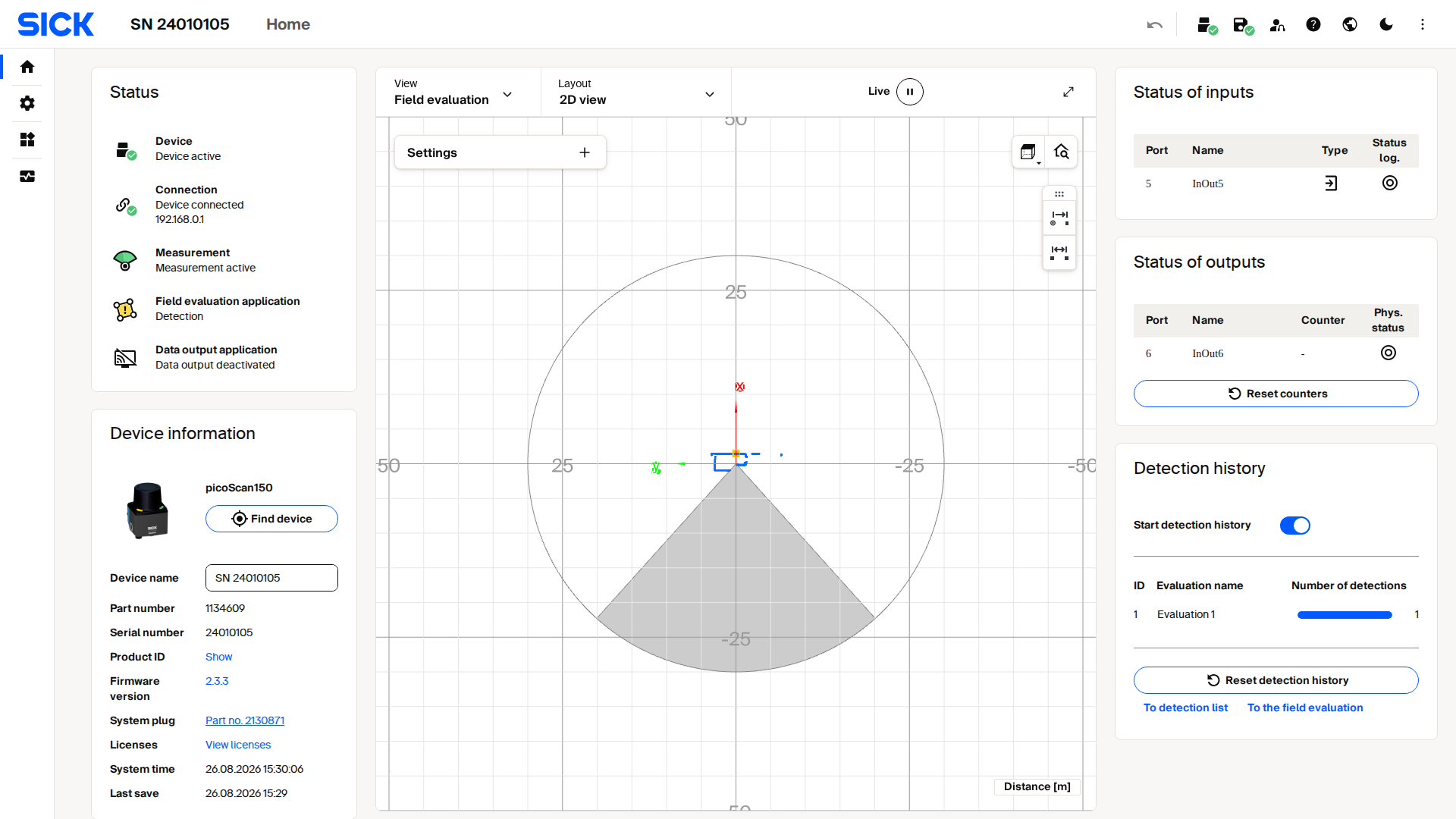
Live capture from a picoScan100's SOPASair web interface.