Cybersecurity
Hardening a sensor means turning off what you don't use, encrypting what you do use, and being able to verify that nothing changed. This page is the map: it pulls together the on-device settings, the security-relevant API mechanisms described elsewhere in this section, and where to find each product's official hardening guide.
On the device: services, certificates and ports
Every product has a Diagnostics → Cybersecurity screen in the web UI where you:
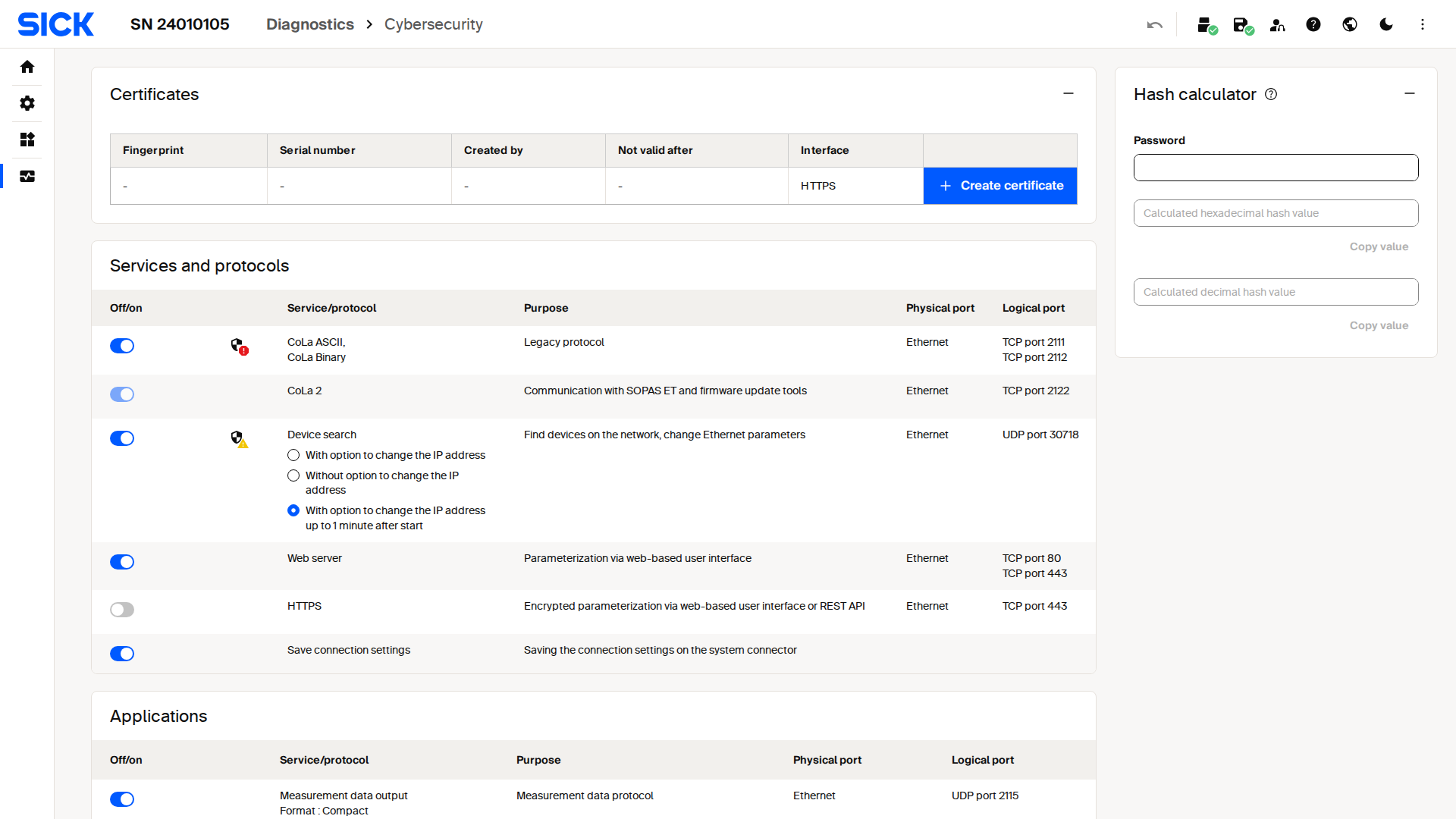
Live capture of the Diagnostics Cybersecurity screen on a picoScan100.
Securing the API in software
The same concerns apply when you integrate over the network instead of the web UI. Each is covered in detail on its own page:
| Concern | Mechanism | Guide |
|---|---|---|
| Who can change settings | Challenge-response hash chain and session tokens; CoLa password for CoLa A/B | Challenge Response Authentication and Session Token Authentication |
| Traffic confidentiality | Upload a certificate bundle to move the REST API to HTTPS/TLS on port 443 | HTTPS & certificates |
| Firmware authenticity | Signed .spk.signed packages are required by secure boot |
Firmware update |
| Configuration confidentiality | The configuration backup file is encrypted with a passphrase you choose | Configuration backup & restore |
| Configuration & software integrity | Four independent LFTchecksum MD5 digests (OS, application, calibration, parameters) let you detect unexpected changes |
Integrity & checksums |
| Network exposure | Most streaming interfaces are off by default; enable only what you use | Interfaces and ports |
Every interface listed on Interfaces and ports is a potential attack surface. Disable CoLa A/B, SOPAS, and any measurement stream you're not actively consuming, especially on a device reachable beyond a trusted machine network.
Cybersecurity Hardening Guide
Each product ships a Cybersecurity Hardening Guide: a document with recommended settings for production deployments (disabling legacy protocols and developer access, enforcing HTTPS, managing user levels, and more). It's published on the individual product pages on sick.com.