Tic Tac Toe
Short Description
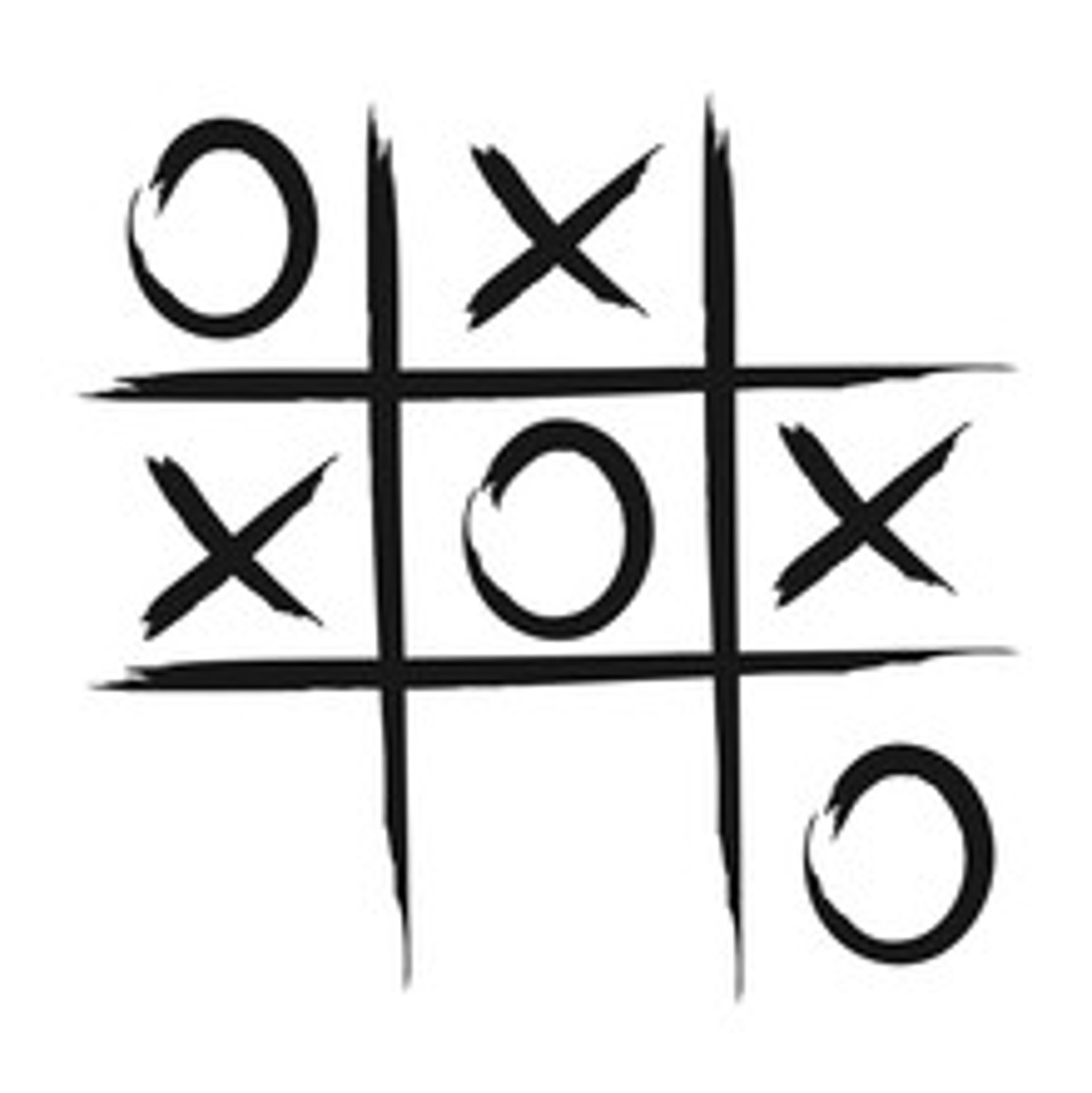
This challenge project focuses on analyzing a physical Tic Tac Toe board with the Vision Starter Kit.
The goal is to detect player moves on a paper-based game board and use the detected board state to play against a computer opponent or provide suggestions for the next move.
Project Information
| Project type | Required knowledge level | Estimated duration | Additional hardware and software requirements |
|---|---|---|---|
| Challenge Project | Advanced | 4 Hours | Paper, pen, scissors |
Challenge Goal
The goal of this project is to create a Vision Starter Kit application that can observe a physical Tic Tac Toe board and detect the current game state.
The system should recognize whether fields are empty or occupied and identify the symbols placed by the players.
Unlike a guided project, this challenge does not provide a complete step-by-step solution. Use your knowledge from previous Vision Starter Kit projects to develop your own approach.
Problem Statement
A physical game board or a Tic Tac Toe playing field on a piece of paper should be observed by the Vision Starter Kit.
The system should detect player moves and make it possible to play against a computer opponent or display useful game information.
Possible goals:
- detect empty and occupied fields
- distinguish between different symbols
- evaluate the current board state
- determine valid moves
- suggest the best next move
- create a simple computer opponent
Task
Create an application that analyzes a Tic Tac Toe board and interprets the current game state.
Your solution should include:
- A physical Tic Tac Toe board or paper-based playing field
- Image acquisition setup
- Detection of board fields
- Recognition of symbols or colors
- Game state evaluation
- Optional computer opponent or move suggestion
- Optional dashboard or visualization
Requirements
Core Requirements
- Use the Vision Starter Kit to observe the game board.
- Detect the individual fields of the Tic Tac Toe board.
- Identify whether a field is empty or occupied.
- Distinguish between the two player symbols.
- Evaluate the current board state.
- Provide useful feedback for the next move or game result.
Optional Extensions
- Add a computer opponent with different difficulty levels.
- Add a move suggestion or coaching mode.
- Create a dashboard for visualization.
- Detect invalid moves.
- Add automatic win detection.
- Use a robot arm to draw symbols.
- Use color-based symbol detection instead of shape-based detection.
Suggested Approach
Use the following high-level approach as orientation:
- Set up the Vision Starter Kit.
- Prepare a paper-based Tic Tac Toe board.
- Place the board in the sensor's field of view.
- Configure image acquisition.
- Define how the individual board fields should be detected.
- Decide whether symbols should be detected by shape, color or position.
- Train or configure the required tools in SICK Nova.
- Test whether the board state is recognized reliably.
- Add game logic to evaluate the board.
- Add feedback, visualization or computer opponent logic.
Possible Detection Strategies
There are different ways to solve this challenge.
Symbol Classification
Classify the symbols in each field of the Tic Tac Toe board.
Possible classes could be empty field, circle and cross.
This approach is useful if the symbols are clearly visible and placed consistently inside the board fields.
Color Detection
Use different colors for the two players and detect the color inside each field.
Possible classes could be empty field, player 1 color and player 2 color.
This can simplify the first version of the project, especially if symbol recognition is difficult.
Fixed Field Analysis
Divide the camera image into nine fixed board areas and evaluate each area separately.
This can be helpful if the board position is stable and does not move during the game.
It also makes it easier to connect the detected field states with the Tic Tac Toe game logic.
Game Logic Ideas
After detecting the board state, the application can evaluate the game.
Possible logic elements:
- check if a player has three symbols in a row
- check if the game is a draw
- detect invalid moves
- suggest the best possible next move
- implement a simple computer opponent
- add different difficulty levels
Possible feedback:
- current player turn
- valid or invalid move
- winning player
- draw
- suggested next move
Hints
Hint 1: Fix the board position
Try to keep the Tic Tac Toe board in a fixed position.
A stable board position makes field detection much easier.
Hint 2: Start with color detection
If symbol recognition is difficult, start with colored symbols or colored paper pieces.
This can simplify the first version of the project.
Hint 3: Use a reduced first version
Start by detecting only whether fields are empty or occupied.
Add symbol differentiation and game logic afterwards.
Hint 4: Separate detection and game logic
First make sure the board state is detected reliably.
Then add the Tic Tac Toe game logic.
Hint 5: Use previous projects as reference
If you are unsure how to classify objects or symbols, revisit the guided classification project.
Example Project File
A prepared example project file is available here:
Expected Result
After completing this challenge, the Vision Starter Kit should be able to analyze a physical Tic Tac Toe board and identify the current game state.
A successful result means that:
- the board is detected reliably
- empty and occupied fields are recognized
- player symbols can be distinguished
- the current board state can be evaluated
- a game result or next move can be displayed
- the concept can be extended with a computer opponent or coaching mode
Summary
In this challenge project, you applied vision-based detection to a physical board game.
You practiced how to:
- analyze a structured playing field
- detect symbols or colors
- evaluate a board state
- combine image analysis with game logic
- develop a more interactive application based on the Vision Starter Kit
This project is a good exercise for combining classification, logic and visualization in a playful use case.
Next Steps
Continue with another Vision project or open the complete project files on GitHub.com.