Black Jack
Short Description
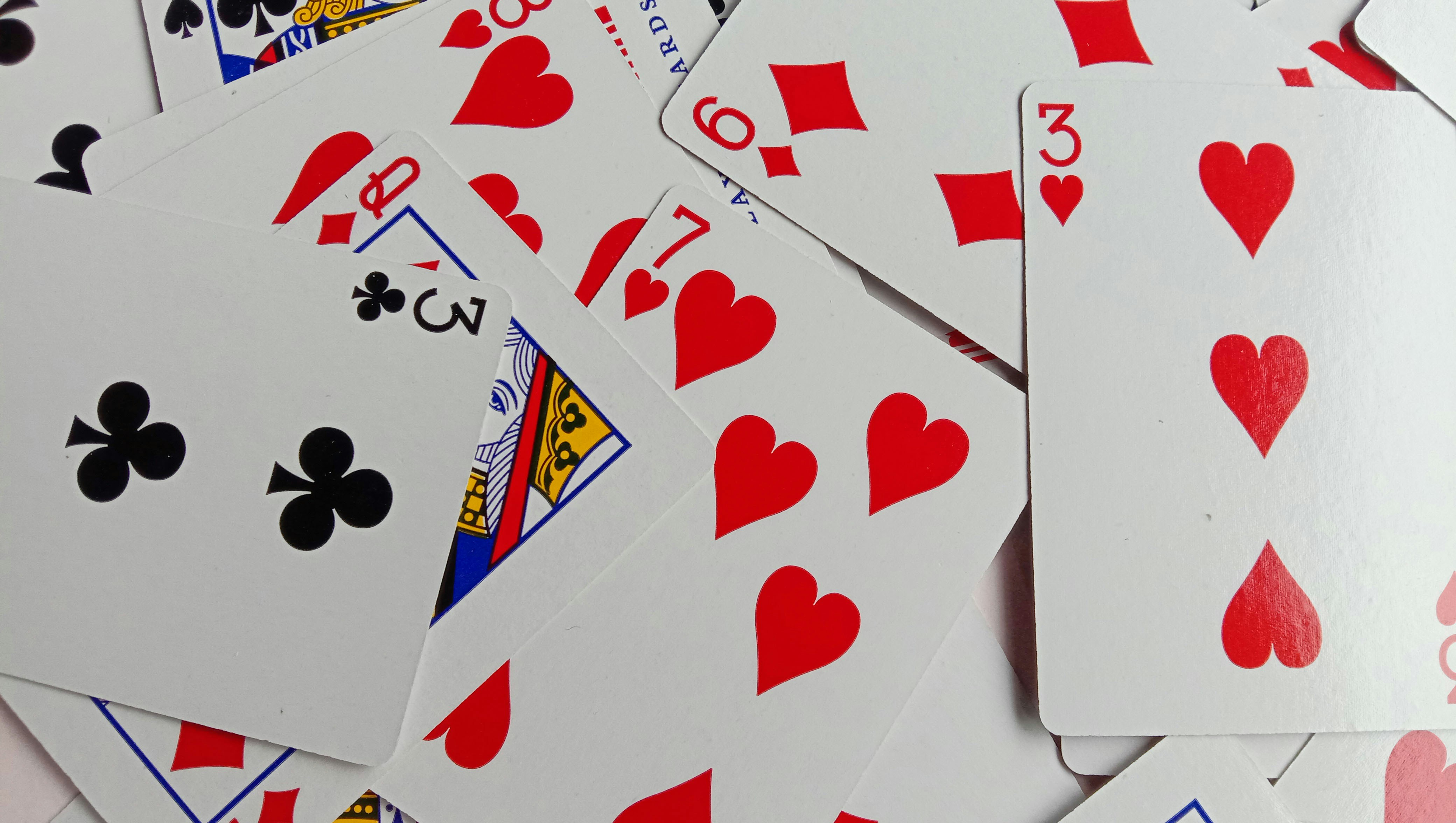
This advanced project focuses on detecting and classifying playing cards with the Vision Starter Kit.
The goal is to build a Black Jack application that recognizes playing cards, calculates the current hand value and provides feedback when the value of 21 is exceeded.
Project Information
| Project type | Required knowledge level | Estimated duration | Additional hardware and software requirements |
|---|---|---|---|
| Advanced Project | Advanced to Expert | 4 to 8 Hours | Playing cards |
Goal
The goal of this project is to create a Vision Starter Kit application that can recognize playing cards and use the detected values in a simple Black Jack game logic.
After completing this project, you should understand how to:
- detect and classify playing cards
- assign card values to detected classes
- calculate the current value of a card hand
- provide feedback when the value of 21 is exceeded
- extend a vision-based classification task with application logic
Project Concept
In this project, the Vision Starter Kit is used to classify playing cards.
The classification result can then be used to calculate the current hand value in a Black Jack game. Based on the game logic, the system can indicate whether the current value is still valid or whether the value of 21 has been exceeded.
Possible output options include:
- a simple visual result in SICK Nova
- a dashboard or external application
- a signal light
- a binary feedback signal
- a probability-based recommendation for the next draw
Before You Start
Set up the Vision Starter Kit as described in the Getting Started guide.
Advanced project
This project requires a combination of image classification and additional game logic.
Basic experience with SICK Nova and programming logic is helpful.
Task
Create an application that recognizes playing cards and calculates the current Black Jack hand value.
Your solution should include:
- Image acquisition setup for playing cards
- AI Classification setup for card recognition
- Definition of relevant card classes
- Training images for each card class
- Logic for calculating the current hand value
- Feedback when the value of 21 is exceeded
Requirements
Core Requirements
- Use the AI Classification tool in SICK Nova.
- Detect and classify playing cards reliably.
- Assign a numerical value to each detected card.
- Calculate the current hand value.
- Identify when the value of 21 is exceeded.
- Provide visual or logical feedback based on the result.
Optional Extensions
- Add a dashboard for visualization.
- Use a signal lamp for binary feedback.
- Calculate the probability of exceeding the value of 21 with the next draw.
- Add a multiplayer mode.
- Track cards automatically over multiple rounds.
- Connect the classification result to an external application.
Suggested Approach
Use the following high-level approach as orientation:
- Set up the Vision Starter Kit.
- Prepare a set of playing cards.
- Create an empty job in SICK Nova.
- Configure image acquisition.
- Add the AI Classification tool.
- Define card classes.
- Capture training images for each card class.
- Train the classification model.
- Test whether the cards are detected reliably.
- Export or use the classification result.
- Create logic to calculate the current hand value.
- Add feedback for valid and invalid game states.
Possible Classes
Depending on the scope of your implementation, you can start with a simplified card set.
For a first version, use a reduced set of classes, for example:
- Ace
- 2
- 3
- 4
- 5
- 10
- Jack
- Queen
- King
For a more advanced version, you can extend the classification to all card values.
Start simple
Start with a reduced set of cards first.
After the classification works reliably, you can add more card values.
Game Logic
After detecting the cards, the Black Jack logic should calculate the current hand value.
Basic rules to consider:
- number cards count as their number value
- Jack, Queen and King count as 10
- Ace can count as 1 or 11 depending on the current hand value
- if the total value exceeds 21, the hand is invalid
Possible feedback:
- value is below 21
- value is exactly 21
- value exceeds 21
- recommendation to draw or stop
- probability of exceeding 21 with the next draw
Hints
Hint 1: Use a reduced card set first
Do not start with a full card deck.
Select a few cards and check whether the classification is reliable.
Hint 2: Keep the card position consistent
Try to keep the card position, distance and lighting as consistent as possible during training and testing.
Hint 3: Add more images if needed
If the card recognition is unstable, add more training images with different positions and rotations.
Hint 4: Separate recognition and game logic
First make sure card recognition works reliably.
Then add the Black Jack calculation logic.
Hint 5: Use the guided classification project
If you are unsure how to use the AI Classification tool, revisit the guided example project.
Example Project File
A prepared example project file is available here:
Example Configuration File
A prepared SICK Nova configuration file is available here:
configuration_nova_inspector_blackjack.ncfg
Expected Result
After completing this project, the Vision Starter Kit should be able to detect selected playing cards and use the detected values in a Black Jack game logic.
A successful result means that:
- playing cards are recognized reliably
- detected cards are mapped to their correct values
- the current hand value is calculated
- the system indicates whether the value of 21 has been exceeded
- the concept can be extended with visualization or external feedback
Summary
In this advanced project, you combined image classification with game logic.
You practiced how to:
- classify playing cards with the Vision Starter Kit
- define useful card classes
- train and test an AI Classification model
- map classification results to numerical values
- implement logic for a simple Black Jack game
- think about visualization and feedback options
This project demonstrates how the Vision Starter Kit can be used beyond simple classification tasks and connected to application-specific logic.
Next Steps
Continue with another Vision project or open the complete project files on GitHub.com.